Where the pallet goes when it lands is decided by whoever is on shift
The rule exists. It is just not written anywhere the system can read. Fast movers go near the door because the supervisor who set the layout knew that, the fragile stock goes on the low racks because everyone knows that too, and the one aisle that must never hold two lots of the same product is knowledge that leaves the building when the person holding it does. New starters learn it by being corrected. And on the days when the rule is not followed, nothing alerts: the stock is in the building, the total is right, and the cost lands weeks later as a pick that took eleven minutes instead of two.
What you get with warehouse management
The shape of the flow as a setting rather than a project. A warehouse receives in one, two or three steps and ships in one, two or three, ship-only, pick-then-ship, or pick-pack-ship, and changing either setting rebuilds the locations, the routes and the operation types underneath it. Reconfiguring a warehouse is a field, not a migration.
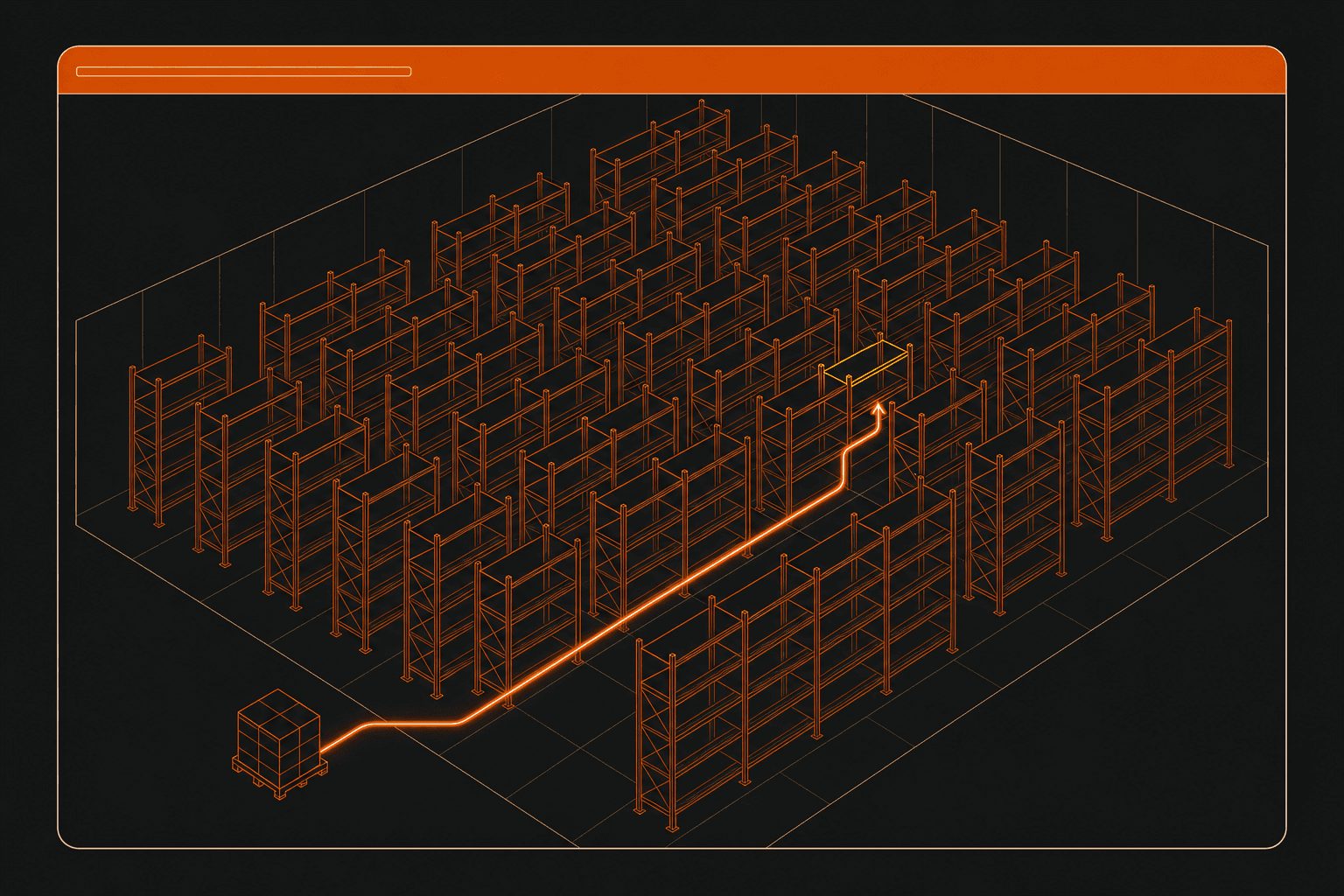
Where incoming goods land as a rule on the location. Putaway rules match on product, product category and package type, and the most specific matching rule wins in a fixed order, a package-type rule beats a product rule, which beats an exact category, which beats a parent category. Storage categories bound the result: a location can be required to be empty, restricted to a single product, or allowed to mix, with a maximum weight and per-product capacity enforced rather than advisory.
What leaves as a rule too. Four removal strategies, first in first out, last in first out, closest location and least packages, resolved from the product category first and then by walking up the location tree, so the lot that ships is not a decision anyone makes on the floor.
Transfers grouped into batches or into waves, both without Enterprise: an operation type can auto-batch by partner, source location or destination, with caps on lines and transfers per batch, and waves can group by product, category or location.
The remaining decisions that usually live in someone's head, held as settings on the operation type: whether a transfer takes stock at confirmation, on a date, or only when someone asks for it, and whether a partially completed transfer always splits into a backorder, never does, or prompts. Returns and packages are records in their own right, with a return slip, package types, shipping weight and their own labels.
Where warehouse management comes from
Almost all of it needs no explanation: it is already in Odoo, built in. The receiving and delivery steps, the putaway rules, the storage categories and removal strategies, and both batch and wave transfers all ship in the box, nothing to add, no tier to reach, no extra fee per user, and the deployment is one you own. NetSuite bills warehouse management as a module with a per-seat mobile licence; in Odoo this machinery is already included, and that difference is the product.
One thing genuinely does not exist, though, and we would rather you heard it here than in month two.
There is no handheld scanning application. Receiving, putaway, picking, packing and counting from a scan gun or a rugged mobile device is Odoo Enterprise, and Enterprise is licensed per user for the whole system, never per app. There is no free replacement: the Odoo Community Association's barcode branch for the current release carries barcode generation and label reports, and the scanning application itself was never brought forward past a release two versions old. This is one of a small number of capabilities we have verified as having no route at all, and no install closes it.
What Community does have is the layer underneath a scanning app, and it is worth being precise about, because the two are easy to confuse. Barcodes are stored on products, locations, packages and operation types. A nomenclature module parses them, including the GS1 standard, so a wedge scanner pointed at a normal screen fills the field it is focused on. Picking runs from printed picking lists, delivery slips and PDF or ZPL labels, or from a desktop screen. That is a warehouse running on paper and keyboards with barcodes assisting, it is not a warehouse running on scanners, and this page will not describe it as one.
If your operation depends on handheld picking today, that is the first thing to put on the table on the call, not the last.
What is a putaway rule in a warehouse management system?
A putaway rule is a stored instruction that decides where an incoming item is stored, so that the destination is a property of the warehouse rather than a judgement made by the person holding the pallet. Rules are normally matched on some combination of the product, the product category and the type of package it arrived in, and because more than one rule can match a single delivery, a system that uses them needs a defined order of precedence, typically most specific first, so a rule about a particular pallet type beats a rule about a product, which beats a rule about the category the product sits in. The value is not that it saves the walk. It is that the layout logic becomes readable: when the fast movers should move to a different aisle next quarter, that is an edit to a rule rather than a retraining exercise, and the warehouse behaves the same way on a Sunday night shift as it does on a Tuesday morning.
What is the difference between batch picking and wave picking?
Batch picking and wave picking both group several customer orders into one trip through the warehouse, and they differ in what does the grouping. A batch is assembled around the picker: several transfers are handed to one person to complete in a single pass, usually grouped by something operational such as the destination, the source location or the customer. A wave is assembled around the stock: the lines of many orders are re-cut by where the goods physically are, by product, by category, or by zone, so one person clears one area for many orders at once and the results are sorted back into orders afterwards. Batching shortens the walk. Waving changes what the walk is for. Most warehouses need the first long before they need the second, and it is worth checking which of the two a vendor means, because the words are used interchangeably in marketing and are not interchangeable on the floor.
Does Odoo Community include a barcode scanning app for warehouse operations?
No, and the distinction underneath that answer matters more than the answer does. Odoo Community ships barcode data and barcode parsing: barcode fields on products, locations, packages and operation types, and modules that interpret scanned input including the GS1 nomenclature, which together let a keyboard-wedge scanner fill a field on an ordinary screen. What it does not ship is the application, the guided handheld workflow that walks an operator through receiving, putaway, picking, packing and counting on a mobile device. That is Odoo Enterprise, licensed per user for the whole system rather than per app, and there is no community-maintained replacement for the current release: the free barcode project covers label generation and reports, not the scanning app. So a Community warehouse runs from desktop screens and printed picking lists, with barcodes speeding up data entry. Any evaluation that treats "has barcodes" and "has a scanning app" as the same answer will produce the wrong decision, and this is the single question most worth asking a vendor directly.
What changes when a warehouse receives in three steps instead of one?
One-step receiving records the arrival and puts the goods into stock in the same action. Three-step receiving splits that into receive, then quality inspection, then storage, with the goods sitting in an intermediate location between each, which means that at any moment you can tell the difference between stock that has landed, stock that has passed inspection, and stock that is available to promise to a customer. The cost is handling: three transfers get created and completed instead of one, so the step count should follow the actual control requirement rather than an ambition. In a system where this is a setting on the warehouse rather than a process built into custom code, the intermediate locations, the routes between them and the operation types are all generated from the setting, so moving from one step to three is a configuration change and not a project, which also means it is reversible, and worth testing against a real week before it is decided permanently.