The expense report is a spreadsheet emailed around, and it reaches the ledger a month after the money left
Someone spends. They fill a form, or a spreadsheet, and staple the receipts. They email it to a manager, who reads it and replies "approved". Finance rekeys the lines into the ledger, works out which project each one belonged to from a memo field, and cuts a reimbursement. Every step is in a different tool, the coding is reconstructed at the end instead of captured at the start, and the whole thing lands in the accounts weeks after the card was swiped. None of it is hard. It is just spread across four places, and the join is a person.
Flags a matching charge/receipt pattern for review. Nothing posts or reimburses automatically -- you decide.
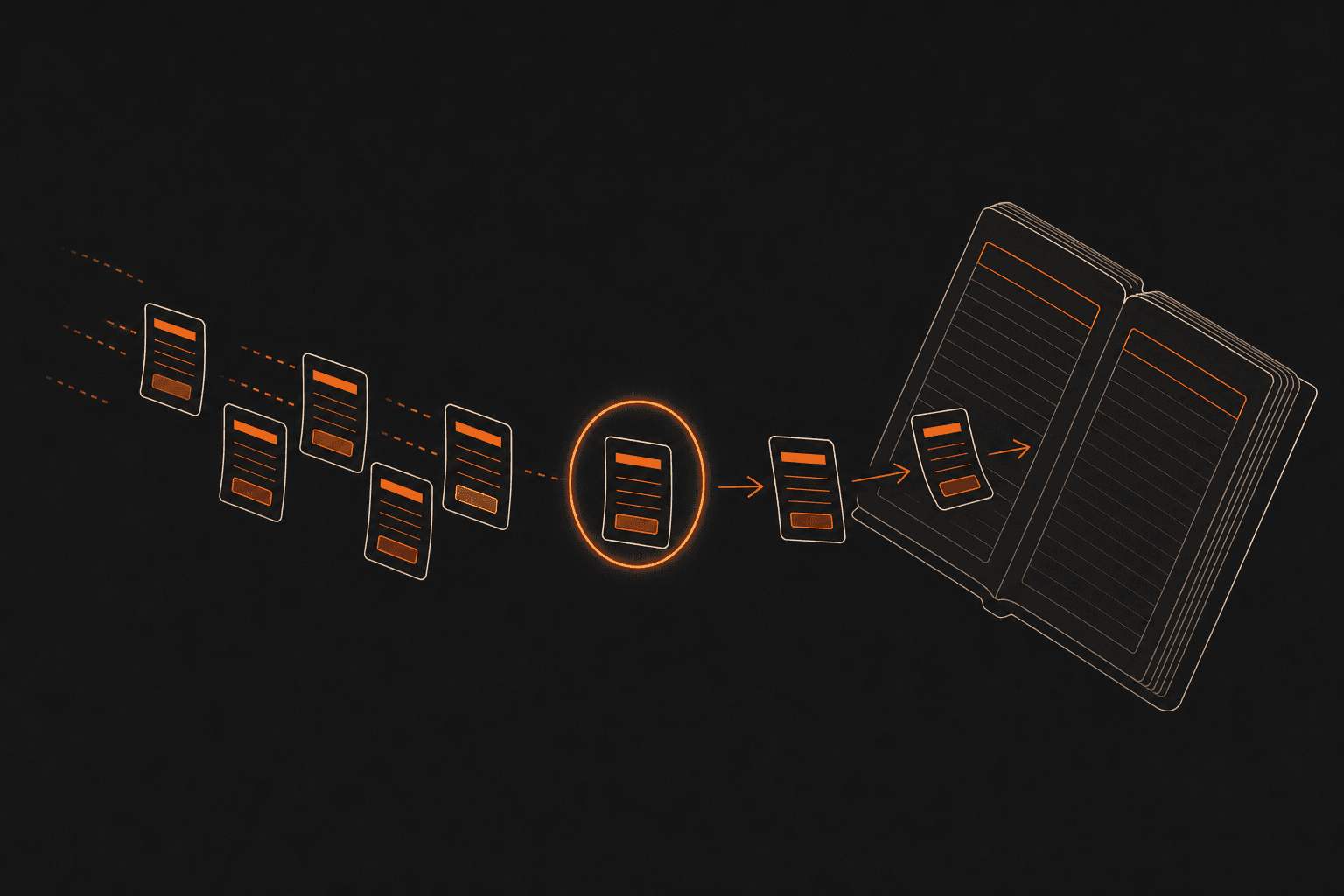
What you get with expense management
Expense capture that is already coded. An expense is entered against an analytic account, so it carries its project or cost centre from the moment it is captured rather than being classified afterwards, and many expenses roll up into one expense sheet for a period or a trip.
A submit → approve → post workflow with an audit trail on every report. Each report moves through explicit states, to submit, submitted, approved, posted, and every change is tracked in the chatter on the record, so the history of who submitted, who approved and when is on the report itself, not in an inbox.
Reimbursement that clears through the same ledger as your supplier bills. A posted expense sheet becomes an accounting entry and a payment, settled on the account it belongs to depending on who paid, the employee out of pocket, or a company card, so a reimbursement is a payment like any other AP payment and not a separate manual journal.
Where expense management comes from
Odoo Community. Expense management ships in the box, ready to switch on, with nothing to buy, no tier to reach and no extra per-user fee, it runs on the deployment you own. NetSuite bills the same capability as part of a per-seat SaaS subscription; in Odoo it is already included, and that difference is the product.
What is expense management in accounting, and where does a reimbursable expense end up?
Expense management is the process by which an employee's out-of-pocket or company-card spending is captured, approved and recorded so the business can reimburse it and account for it correctly. The end point is the ledger: a completed expense report becomes an accounting entry that debits the relevant cost, coded to the department or project it belongs to, and sets up a payment to whoever is owed, the employee or the card provider. What makes it an accounting problem rather than an administrative one is the coding and the cut-off: the same expense can be a project cost, a reimbursable, and a payable, and it has to land in the period it was incurred, on the account it belongs to, with a record of who approved it. Handled well, a reimbursement is indistinguishable from any other payable in the accounts; handled in a spreadsheet, it is a monthly reconstruction.
Why route employee reimbursements through the same ledger as supplier bills?
Because a reimbursement is a payable, and giving it a second home is what creates the reconciliation work. When an approved expense posts to the same ledger and pays through the same run as supplier bills, the amount owed to an employee sits in the accounts alongside the amount owed to a vendor, coded to the same projects, visible to the same cash forecast, and cleared by the same payment process. The alternative, expenses tracked in their own tool and journaled into the accounts in a monthly batch, means the ledger is always slightly behind what the company actually owes, and the coding is applied twice, once in the tool and once on the way in. Keeping expenses on the accounting ledger from capture is not a convenience feature; it is what stops the expense system and the accounts from being two sets of numbers that have to be agreed.
Does Odoo Community import corporate credit-card charges automatically?
No. Odoo Community lets a company-card charge be recorded manually against the right account and carried through the same submit-approve-post-pay workflow as any other expense, but it has no automatic feed of card or bank transactions, there is no American Express or other card connector, and none of the standard statement importers (OFX, QIF, CAMT) are present in the edition. NetSuite markets the opposite explicitly: "American Express charges are automatically imported into NetSuite when the corporate AMEX card is used ... Expenses can be submitted and approved, which will automatically generate payments to American Express." That automatic import is the specific thing Community does not have, so a business that relies on a live card feed today should put it on the table on the first call rather than read it into the word "expenses". The manual path works and is auditable; the feed that populates it automatically is not in what we install.
What is the difference between capturing a receipt and scanning one?
Capturing a receipt means attaching it to an expense record, including by emailing it in, which Odoo Community supports, so the image is filed against the expense and available to the approver. Scanning, or OCR, means reading the figures off that image and populating the expense fields from them, so the amount, date and vendor are lifted from the photo rather than typed. The two are often sold as one feature and they are not: the first is document handling and the second is data extraction. In Odoo, email-in receipt capture is part of the Community edition, and the OCR digitisation that fills in the fields is Enterprise as is the native mobile app. So a reader comparing systems on "receipt capture" should ask which of the two is meant, because only capture is included in the edition described here.