The cash position is accurate. It is also a day behind the bank, and the gap is a file somebody has to fetch.
The bank knows the balance continuously. The ledger knows it as of the last time a person downloaded a file, opened it, mapped the columns and loaded it. Everything downstream of that moment is fine, the lines match against open invoices and bills, the fees and the transfers land where they should, the entries post. Everything upstream of it is a person with a browser tab and a download folder, repeated per bank and per card. Which is why the honest answer to "what is our cash position" is usually a question back: as of when?
What you get with cash management
A matching engine on the ledger that already holds the invoices and the bills, rather than a reconciliation product bolted alongside one. Odoo Community ships the rules engine seeded and working: a perfect-match rule that reconciles an invoice or bill against a statement line automatically, a partial-match rule for underpayments, a rule that creates a bill from a line, one for internal transfers between your own accounts, and one that splits bank fees off a receipt. You write your own rules on top of those in the same place.
What the rules match, the ledger posts. Journal entries carry an auto-post flag with an end date, and a scheduled job drains the entries that are due, so rule-matched activity becomes posted accounting without anyone opening each entry to confirm it.
And the current position is real: bank and cash journals hold their balances, and there is a Bank and Cash view over the underlying entry lines, plus cash registers for the accounts that need them. That is a position, as of the data you have loaded. It is deliberately not called a forecast on this page.
Where cash management comes from
Three different places, and on this subject the difference decides what your Monday looks like.
The rules engine and the auto-posting are Odoo Community itself, no module to add, no tier to reach, no extra per-user fee, and it runs on infrastructure you own.
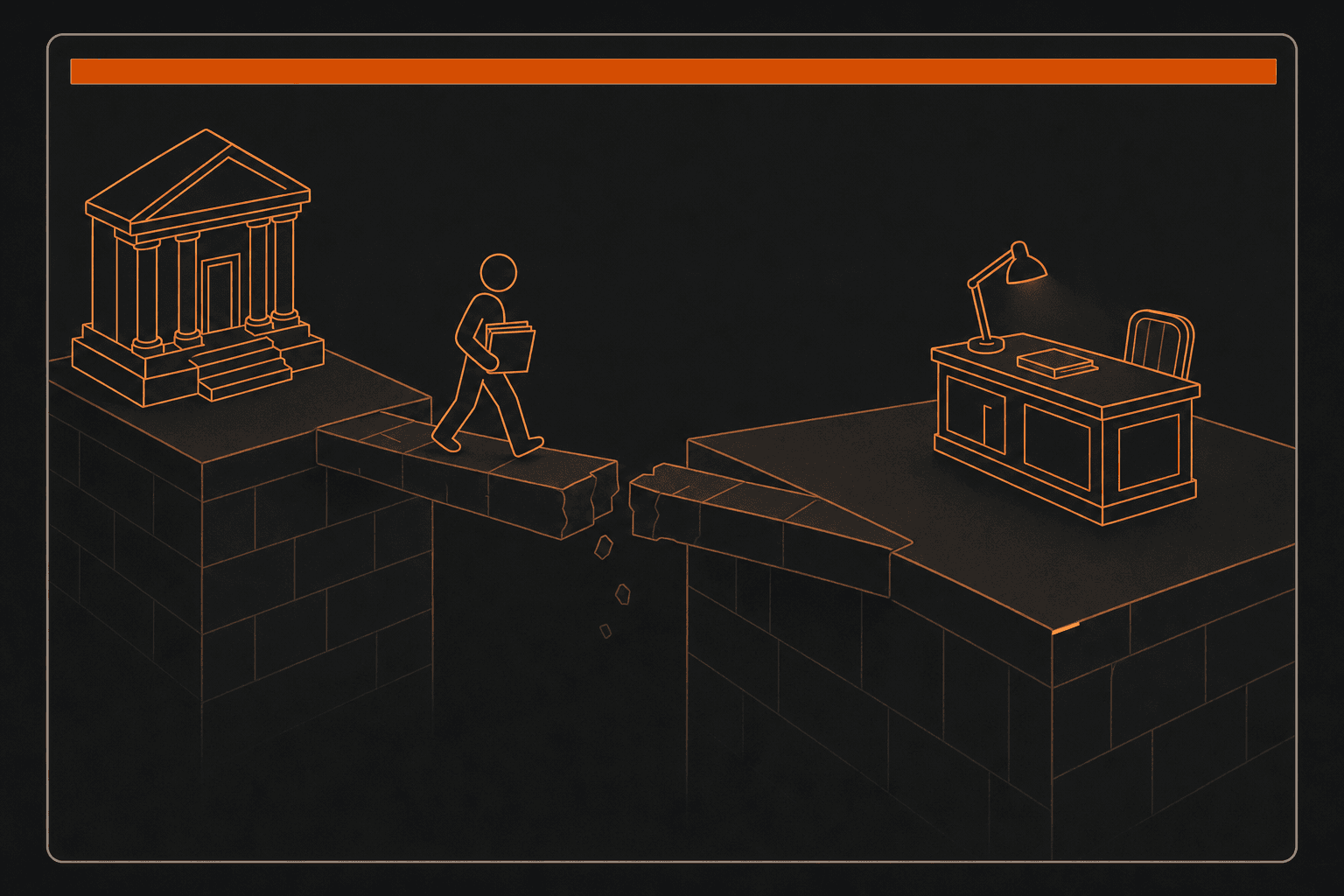
Getting the bank data in is not, and this is the sentence to read twice. Statements do not arrive by themselves. The stock Community image has no automatic multi-institution bank feed, Odoo's own is Enterprise, and it has no OFX, QIF or CAMT file importer either; what it has is the generic CSV and XLSX import framework pointed at bank statement lines, mapped by hand. The free improvement to that is real and worth naming: a free community add-on parses bank statement files properly instead of column-mapping a spreadsheet. What that add-on does not do, and what no free add-on does, is fetch the file. Somebody or something still puts it there.
Paying out of the bank splits the same way. The ledger registers a payment against an invoice or a bill natively, but the stock product emits no bank-format payment file, the only file-producing outbound method available in Community is check printing. Free community add-ons cover the payment-file generation, with direct-debit and mandate versions alongside. Which file format your bank wants is a question for the call, not a promise on this page.
That pattern is the product rather than an exception to it. A missing piece here is a module installed onto software you already hold, on a deployment you own. On the system you are leaving, the same missing piece is a SKU and a per-user renewal.
What is bank reconciliation?
Bank reconciliation is the check that the transactions the bank recorded and the transactions the accounting ledger recorded describe the same events. Each line on the bank statement is matched to the entry that explains it, a customer payment against the invoice it settles, a supplier payment against the bill, a transfer against the other account it landed in, and anything that fails to match is either a timing difference, a fee or a charge the ledger has not seen, or an error. The purpose is not tidiness. It is that the cash figure in the accounts is the only balance in a set of financial statements that can be independently confirmed by a third party, so reconciling it is what converts the ledger's version of cash from an assertion into evidence, and it is the check that catches a payment recorded twice, a receipt never recorded at all, or money leaving an account that nobody has accounted for.
Why is bank reconciliation still manual when the matching rules are automatic?
Because reconciliation is two jobs sold as one word, and only the second job is the one everyone automates. The second job is matching: comparing a statement line to the entries already in the ledger and deciding which one it settles. That is rule-driven work, systems have been good at it for years, and a well-configured rules engine clears the large majority of ordinary lines without a human. The first job is getting the statement into the system at all, and it is a different kind of problem, it depends on the bank, on the file format the bank publishes, on credentials, and on a connection between two organisations rather than on logic inside one product. So a team can have excellent matching and still reconcile weekly rather than daily, because the constraint was never the matching; it was that somebody has to log into each bank, download each file, and load it. When a finance team says reconciliation is manual, this is almost always the step they mean.
What is the difference between a bank feed and a bank statement import?
A bank feed is a standing connection that pulls transactions from a financial institution into the accounting system without anyone asking, usually through an aggregator that maintains the integrations with each bank. A statement import is a file, CSV, OFX, QIF, CAMT, that somebody exports from the bank and loads. Both end with statement lines in the ledger, which is why they get described in the same breath, but they are different dependencies and they fail differently. A feed is a vendor relationship: it is fast, it is invisible when it works, and when a bank changes something the recovery is not in your hands. An import is under your control and costs a recurring human action, and its worst failure is that somebody forgets. The reason to care about the distinction when buying is that the marketing word for both is usually "automatic", so the question worth asking a vendor is narrower than it sounds: not do you support my bank, but does a statement arrive without a person, and if so, through whom. Oracle markets NetSuite's answer as automating "imports of bank and credit card data from thousands of financial institutions around the world", that is a feed, and it is a real capability worth pricing honestly against a file you fetch yourself.
Can you run cash management on Odoo Community, or does it need Enterprise?
It splits, and the split is worth knowing before the question is asked in a sales call. The reconciliation rules engine is in Odoo's Community edition: it ships seeded with rules for perfect and partial invoice matching, internal transfers and bank fees, and the entries it matches can post themselves on a schedule, so the matching half needs no licence at all. What is not in Community is the automatic multi-institution bank feed, which is Odoo's Enterprise edition, and Enterprise is licensed per user for the whole system rather than per app. Community also ships no bank-statement file importer and no bank-format payment file generation, though free modules for both are published by the Odoo Community Association and install onto the same deployment, which the customer owns. Near-term cash forecasting and what-if scenario modelling are the part to be most careful about: Odoo's forecast reporting is Enterprise, and scenario modelling of the "what happens to cash if we do this" kind is not something to assume any edition provides until you have seen it.